
BYOK · iPhone · Compare workflows
CoModel: AI model comparison app for iPhone
Use an AI model comparison app for iPhone to review multiple answers while keeping each model context independent.
Available only in selected App Store countries or regions. See the current list below.
01Bring your own accessUser-configured access
02Live comparisonCheck compatibility
03Review locallyReview before continuing
Live comparison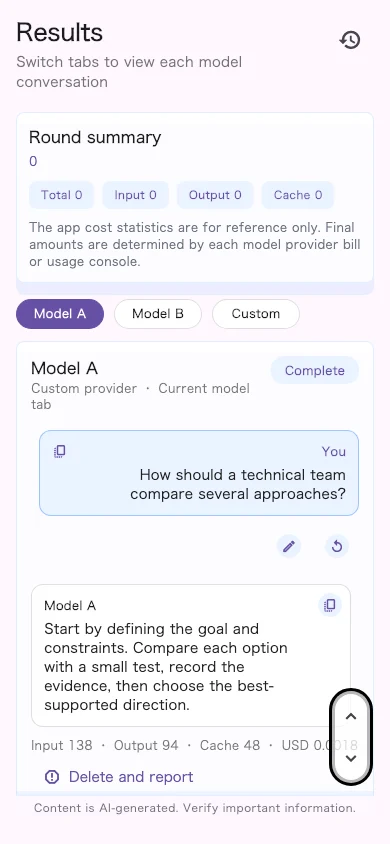
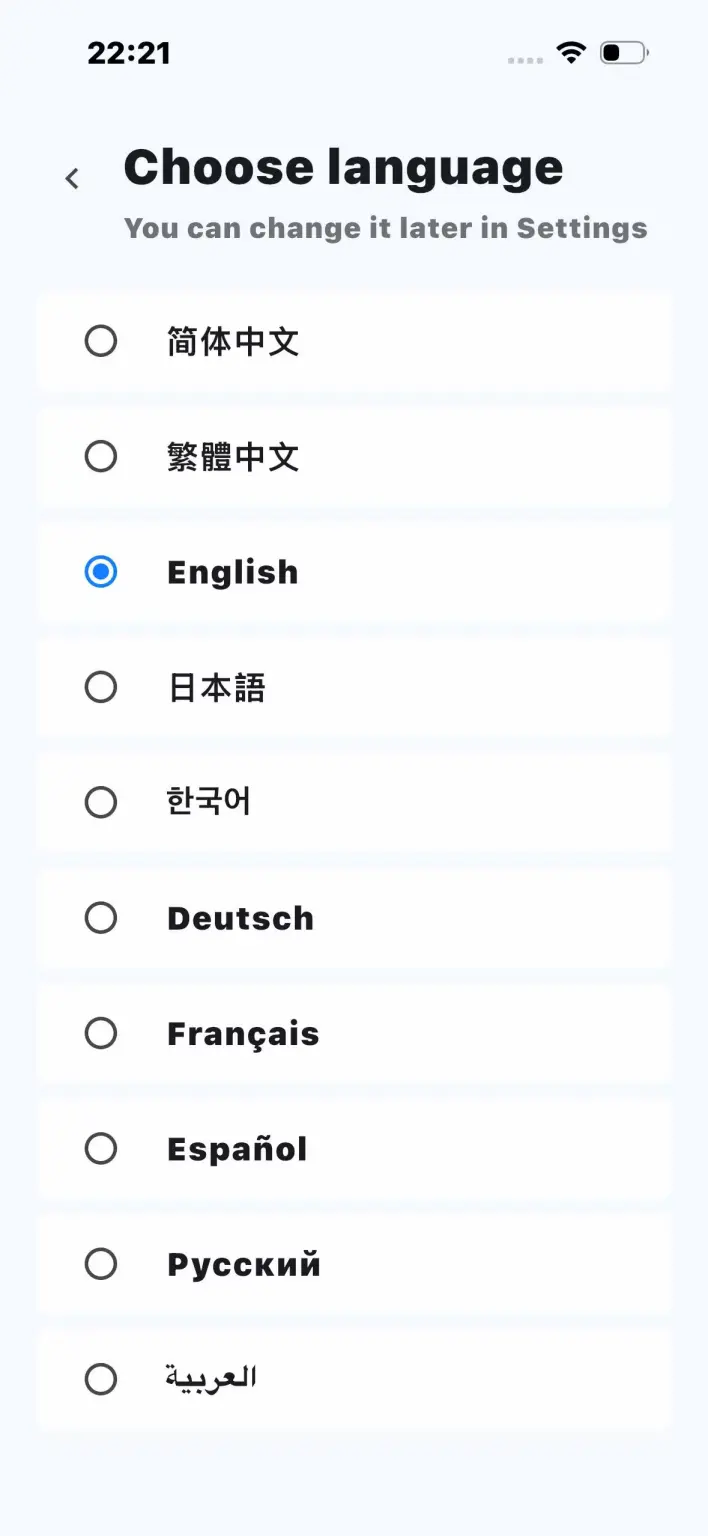
01 · How it works
Bring the API access you already use
Configure details for access you are authorized to use, then run the in-app connection test to review the setup you selected.
02 · Compare
Use an AI model comparison app for iPhone
An AI model comparison app for iPhone lets you review responses side by side with available latency, token, cache, and estimated cost details. This mobile AI model comparison and LLM answer comparison workflow keeps each model context independent.
LatencyTokensCacheEstimated cost
03 · Review
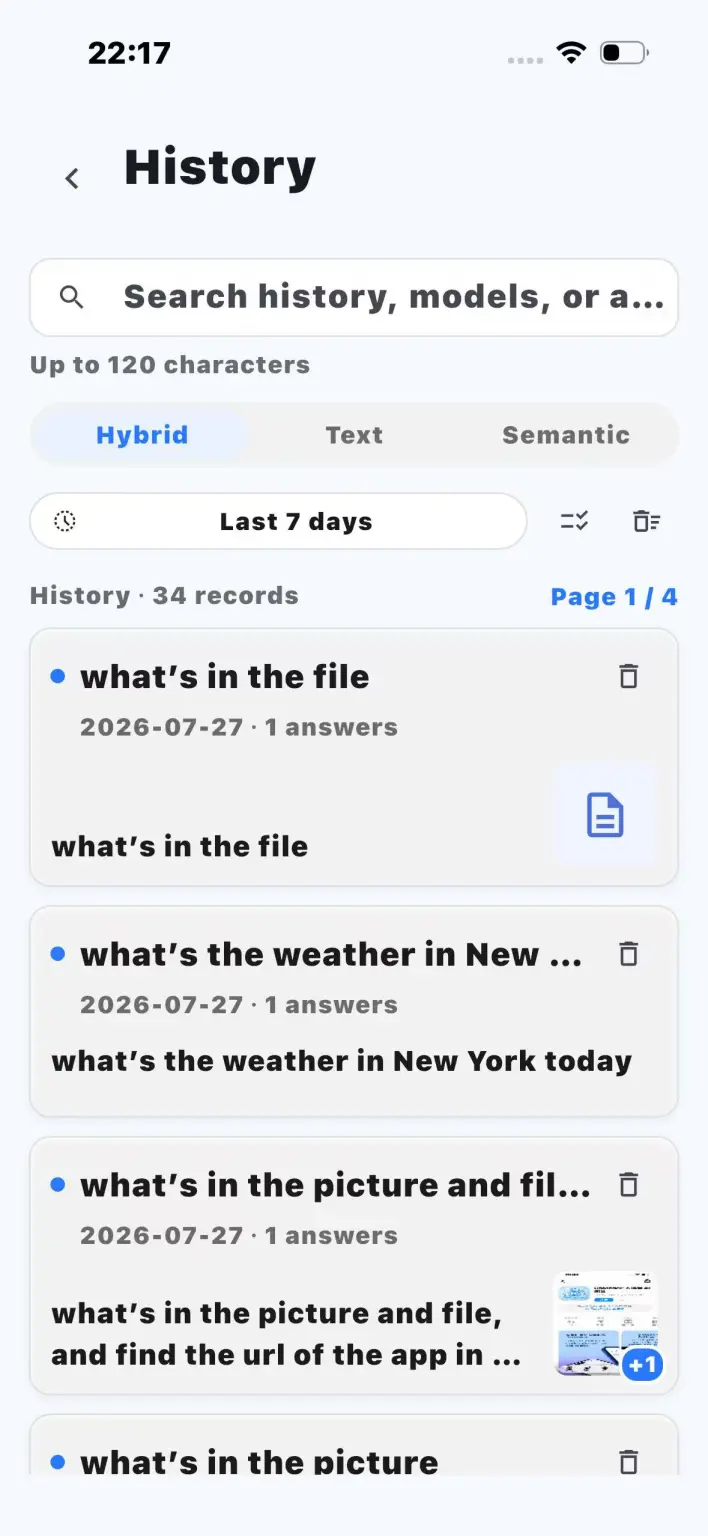
Keep useful history on your device
Review your app settings and the Privacy Policy before relying on any data-handling workflow.
Review your settings
Check your device, app settings, and Privacy Policy before relying on a workflow.
04 · Data boundary
Your connected service sets the operating rules
Availability, rate limits, regional access, billing, data handling, and content policies are determined by the service or API aggregation platform you configure. CoModel does not proxy model requests or provide unlimited inference.
Token, cache, and cost details appear only when required data is available. Costs are estimates; your service bill is authoritative.
05 · GitHub
Product documentation on GitHub
Use the public documentation and support repository for setup notes, release information, and issue reporting. The app is proprietary, not an open-source codebase.
Use cases
Find the workflow that fits
Compare multiple AI models on iPhoneCompare multiple AI models on iPhone when one question needs more than one perspective. This mobile AI model comparison keeps the responses together for review.Use your own API key on iPhoneCoModel is for people who already have authorized API access and want a mobile place to compare responses.Set up a custom AI API endpoint on iPhoneUse CoModel when you already control the endpoint details and need a mobile workflow for reviewing AI answers.Review saved AI chat history on your iPhoneReturn to earlier work without losing the context that made a response useful.
FAQ
What does an AI model comparison app for iPhone do?
An AI model comparison app for iPhone helps you review responses from user-configured AI services in separate contexts before choosing which conversation to continue.
Get CoModel
Use an AI model comparison app for iPhone to review multiple answers while keeping each model context independent.